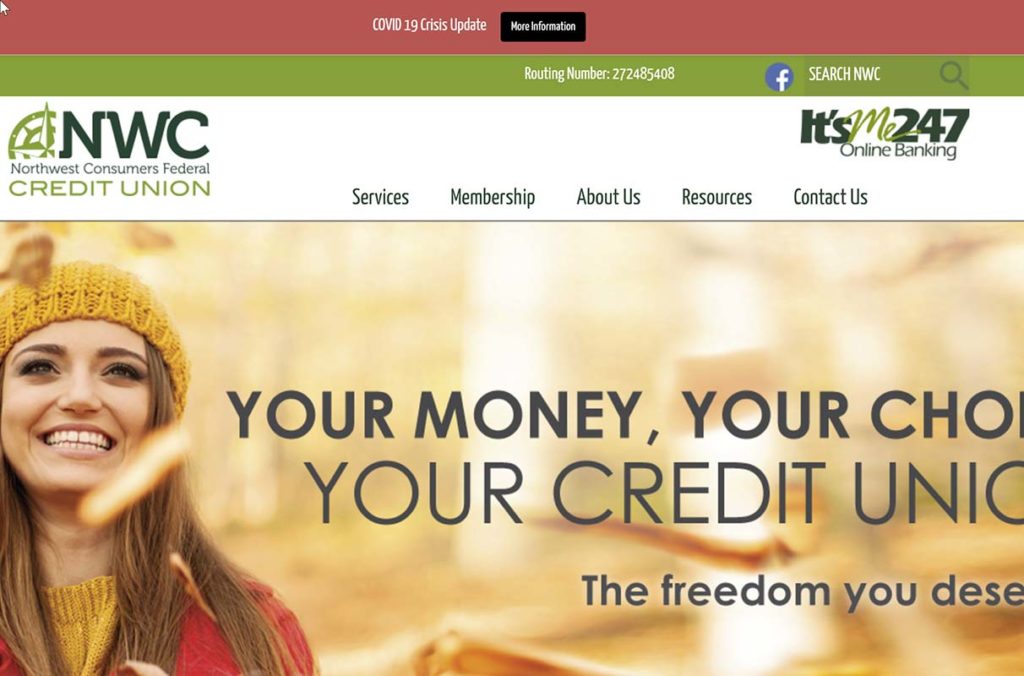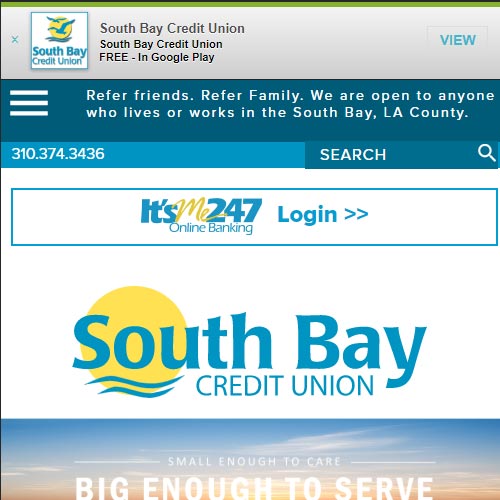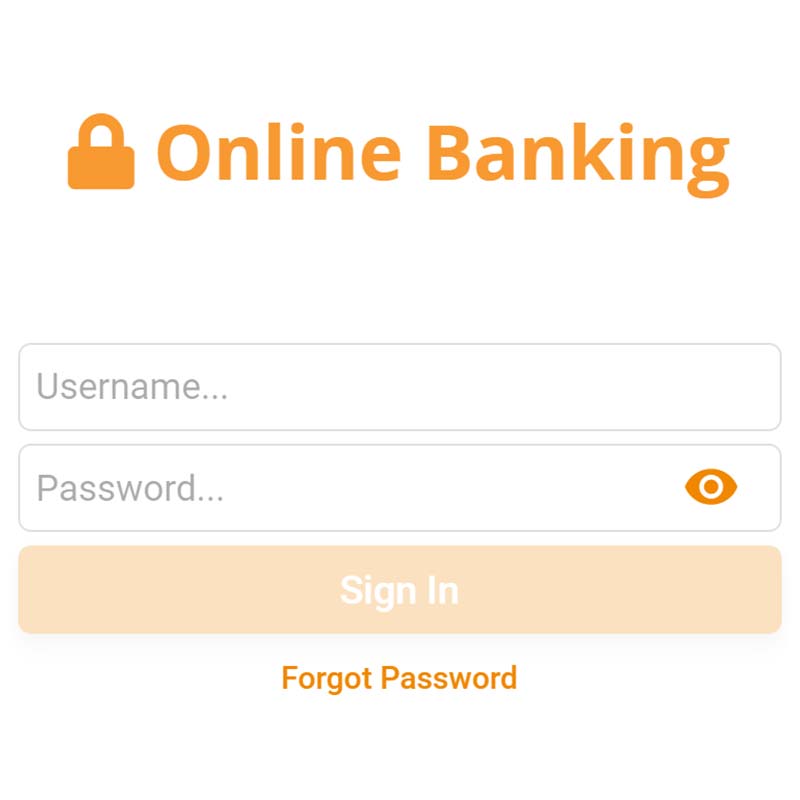
Description
Code Snippet
<iframe title="Online Banking Login" src="https://www.itsme247.com/XXX/authentication/username" height="190" width="200"></iframe>
or a simple hyperlink to https://www.itsme247.com/XXX/
<a href="https://www.itsme247.com/XXX/">Online Banking Login</a>
Note: Please replace the XXX in the URL with your three digit Online Banking ID.
Implementation Details
On submission of your order, you will receive a link to download a zip folder containing the snippet for this specific widget. From there, your developer will need to make appropriate space for the widget and adhere to the conditions, limitations, and technical restrictions of the widget based on the details mentioned above.
If your website is hosted and maintained by the CU*Answers Web Services team, you can open a ticket by emailing web_services@cuanswers.com, providing the widget you would like to use and the location on the site you need it placed. Keep in mind that some adjustments to the organization of your website may be necessary to integrate the new widget.
Customization
Your login button colors can be changed via CU*Publisher.